13 backend building blocks with OpenAPI specs, an SDK, a CLI, and Piezas-managed integrations for AI coding agents. Build the interface and workflow; keep records, app-scoped OAuth connections, access logs, audit trails, jobs, documents, and provider actions on Piezas.

Teams often use a small slice of a large product, then work around the rest. The software becomes the process instead of supporting it.
Per-seat tools can make internal workflows expensive to share broadly, especially when every small app needs another vendor and another contract.
Their pipeline stages. Their dashboard layouts. Their notification rules. Your team adapts to the product instead of shaping software around the work.
AI can now build an entire application from a text description. But who maintains it? Who's on call when the database query goes slow? Who reviews the data model? Who patches the security bug? Who proves which user accessed which customer record?
Generated code is easy to create. Operational ownership is not.
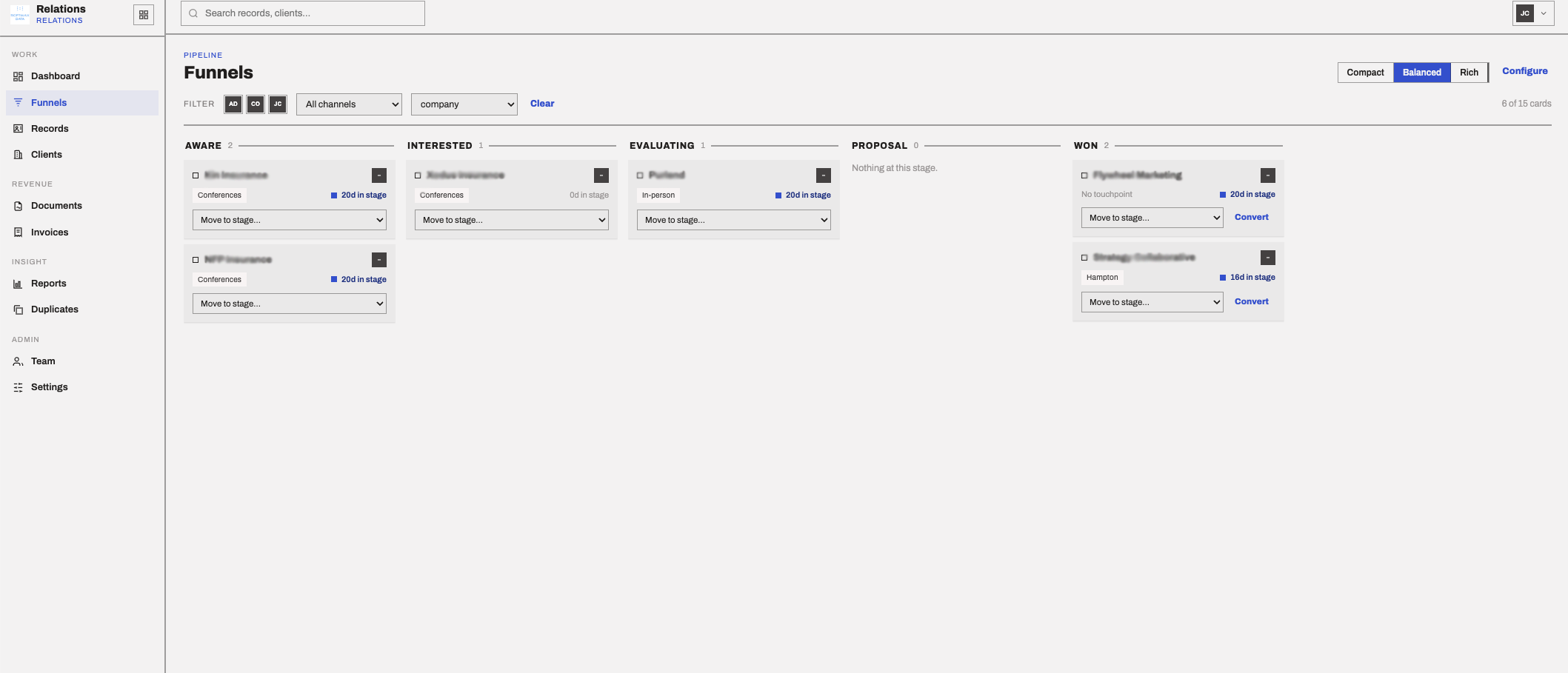
Piezas focuses on the reusable backend layer: data records, permissions-aware service APIs, integrations, notifications, documents, scheduling, workflow primitives, access logs, and cloud-managed provider credentials.
For a prototype, that's fine. For running your business, it's a liability.
Point our spec spider at the documentation of the software you want to replace. It reads every feature and generates a structured checklist.
Check the features you want. Uncheck the ones you don't. No more paying for a hundred things to use five.
Run the CLI in your repo. It creates agent instructions, a manifest, SDK setup, recipe guidance, and live OpenAPI links for Cursor, Claude Code, Codex, or Windsurf.
Your app owns the UI and workflow. Piezas owns tenant-scoped records, app integration policy, tokens, access logs, jobs, documents, and provider actions.
Store any business data with custom fields and relationships
Track anything through configurable stages
Manage work with due dates and priorities
Send emails, alerts, and transactional messages
Availability, bookings, holidays, and calendar sync
Sequences, reminders, and Gmail-backed sending flows
Rules, durable jobs, retries, and sync queues
Data collection forms with website embed
Files, versions, extraction jobs, signature state
Dashboards, charts, KPIs
Catalogs, quotes, invoices, reconciliation patterns
Threaded conversations on any record
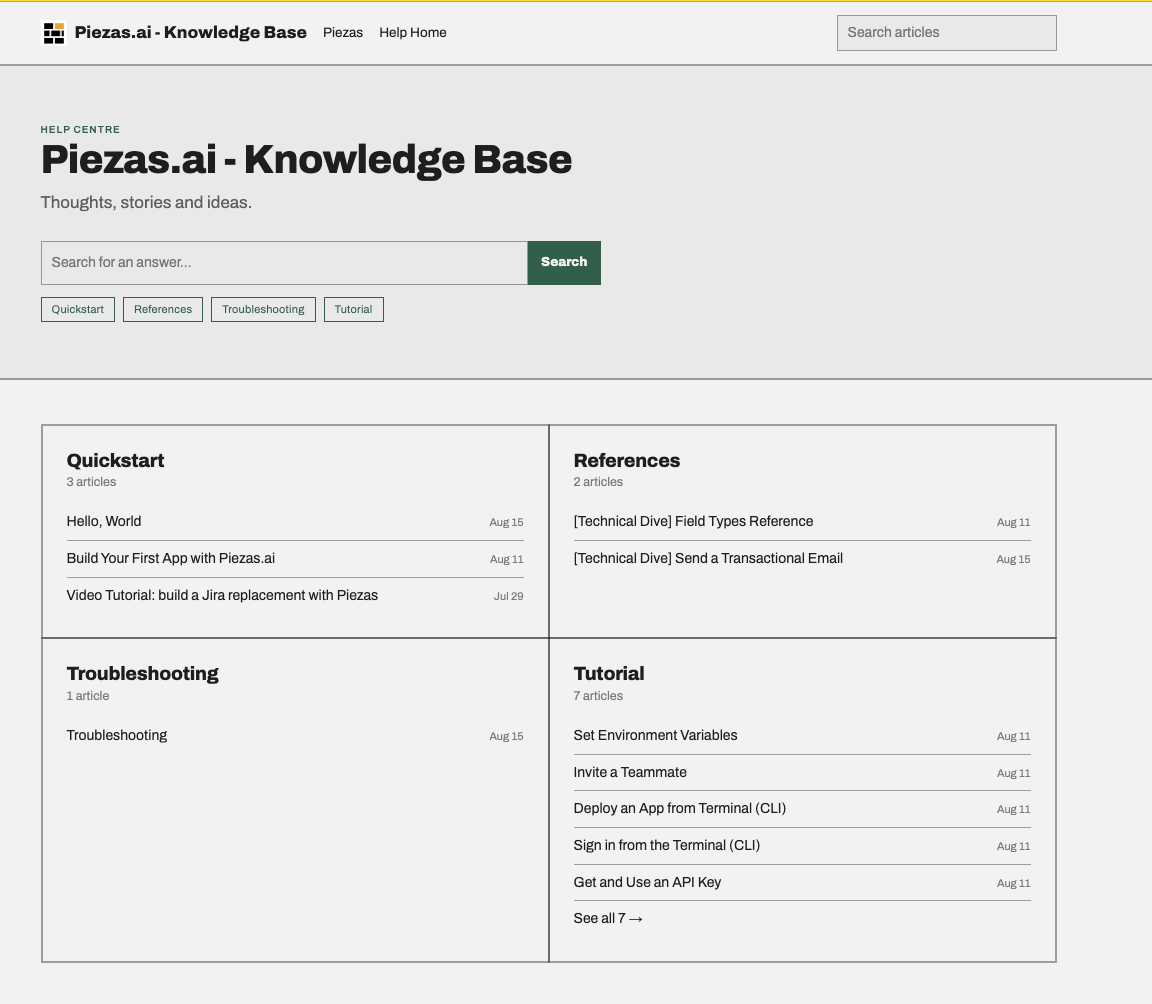
Document ingestion, semantic search, and AI Q&A
Same backend primitives. A CRM, a booking site, a client services workspace, or a lightweight finance workflow should differ mostly in UI, business rules, and setup scripts, not in custom databases.
App-scoped OAuth configuration, encrypted provider tokens, connector actions, refresh state, and scoped grants.
Tenant users, invite-only signup, mandatory MFA, team access, app registry, API keys, access logs, and audit events.
Piezas is an early commercial product.
We are not claiming public enterprise customers, analyst coverage, or third-party review-site traction yet. Evaluate the product by the live API specs, SDK, CLI, admin console, deployed service health, and demo applications we can make available for inspection.
The target architecture is simple: generated apps own UI AND WORKFLOW; Piezas owns BACKEND STATE.
Fewer secrets. Fewer databases.
Records, OAuth tokens, extraction jobs, signature requests, public sessions, and sync jobs stay behind Piezas APIs.
Common business stack
Every extra system adds auth, sync, reporting, audit, and failure modes.
The Piezas way
CRM + client work + finance workflows + email + scheduling + documents
Built from shared backend services instead of one-off databases and integration code.
Fewer moving parts.
Generated apps can stay thin because records, provider tokens, job state, document workflows, access logs, and audit events live behind Piezas APIs.
Piezas does not make certification claims. It gives teams the backend shape compliance reviews usually ask for: isolation, access logs, managed secrets, app-scoped integration policy, service boundaries, and fewer places for generated code to leak sensitive data.
Tenant-scoped records, tenant app policy, API calls, jobs, and public sessions keep generated apps away from raw backend state.
Generated frontends call documented service APIs. Dedicated deployments can keep service-to-service traffic behind private network boundaries.
API keys, OAuth tokens, provider secrets, refresh state, and scoped grants stay server-side and are exposed through Piezas actions.
Admin and service foundations include durable access logs, usage logs, audit events, public-session records, and integration grant state.
Tenant users, invite-only signup, team roles, shared API keys, and mandatory TOTP MFA are managed from the control plane.
Apps can stay focused on views, workflows, and product-specific logic instead of duplicating migrations, OAuth clients, retries, and schedulers.
Separate generated apps can have their own origins, callback URLs, provider credentials, connector purposes, and grants.
Server apps can expose approved Piezas entity, pipeline, and task tools through the SDK while keeping auth and tenant checks in the app.
CRM records, bookings, tasks, documents, invoices, and workflow events can share one record layer, reducing avoidable ETL and warehouse cleanup.
Your users interact with your interface and workflow while Piezas stays behind the application layer.
App registry entries, allowed origins, callback URLs, public sessions, usage, and provider access can be inspected centrally.
Business software often scatters operating data across separate systems. Customer history, projects, files, invoices, form submissions, and bookings live in different places before analytics or automation can even start.
With Piezas, customer records, bookings, tasks, forms, documents, invoices, and workflow events can reference the same tenant-scoped records. You still can use a warehouse or lakehouse, but you do not need an ETL project just to reassemble your operating data.
Today
Different APIs and data models before analytics even starts.
With Piezas
One record layer behind the apps your team actually uses.
Cursor
.cursor/rules project rule
Claude Code
CLAUDE.md instructions
OpenAI Codex
AGENTS.md instructions
MCP
SDK-backed server route
Piezas owns the integration boundary.
Tenant app records, allowed origins, OAuth callback URLs, provider client config, encrypted tokens, refresh state, scoped grants, and connector actions stay on the Piezas side. Generated apps keep references and workflow logic, not provider secrets. Each generated app can use separate provider credentials and scopes, while shared company-wide login policies can still be represented in the tenant app registry. Server apps can also expose approved Piezas tools to agents through the SDK-backed MCP route.
Get started in 30 seconds:
Start from the app console or scaffold a project from the CLI.
Or start from the command line: